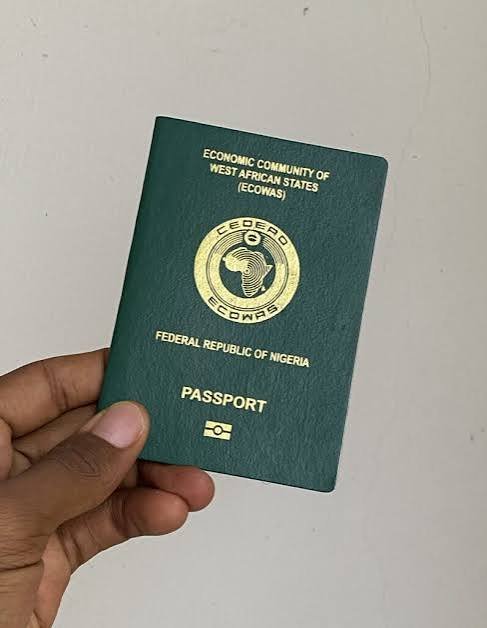
The Nigeria Immigration Service has released an updated step-by-step guide for Nigerians living abroad to renew their passports through its Contactless Passport Application System.
The Service announced the update in a post on its official X handle on Tuesday, encouraging Nigerians in the diaspora to take advantage of the digital platform.
According to the Service, the application process involves the following steps:


1. Visit the official NIS Passport Application portal.
2. Select Continue from the pop-up window.
3. Click Apply for Renewal/Re-issue.
4. Create an account and verify your identity using your National Identification Number and date of birth.
5. Complete the application form and choose your preferred processing embassy or high commission.
6. Upload the required documents.
7. Pay the passport fee for your selected booklet.
8. Obtain your Application ID and Reference Number.
9. Select the Contactless option under the Application Status/Book Appointment section.
10. Review the contactless instructions and click “I Understand and Opt In.”
11. Download the NIS Mobile App.
12. Log in or create a profile on the app.
13. Select Passport Application Services.
14. Click Passport Biometrics Enrollment, enter your Application ID and Reference Number, and check your eligibility.
15. Capture your facial image and fingerprints.
16. Complete the liveness verification.
17. Pay the contactless service fee.
18. Submit your biometrics.